Don't Frustrate Your Users: How to Implement 2FA Smartly Without Complicating UX in 2026
I still remember that day in my Cairo studio, working as a professional product designer for apps on an app UI UX redesign for a client in the UAE The app handled sensitive personal data, and I kept thinking: "I need to hire a UI UX designer who can build something secure without driving users away in frustration " That's when two-factor authentication (2FA) came into the picture as the perfect solution But as I quickly learned, if you get it wrong, it can turn a smooth experience into a nightmare Let me share my story and show you how, whether you're a freelance UI UX designer or specializing in mobile app design services, you can use 2FA intelligently to protect users while keeping things effortless.
Understanding Two Factor Authentication: More Than Just an Extra Step
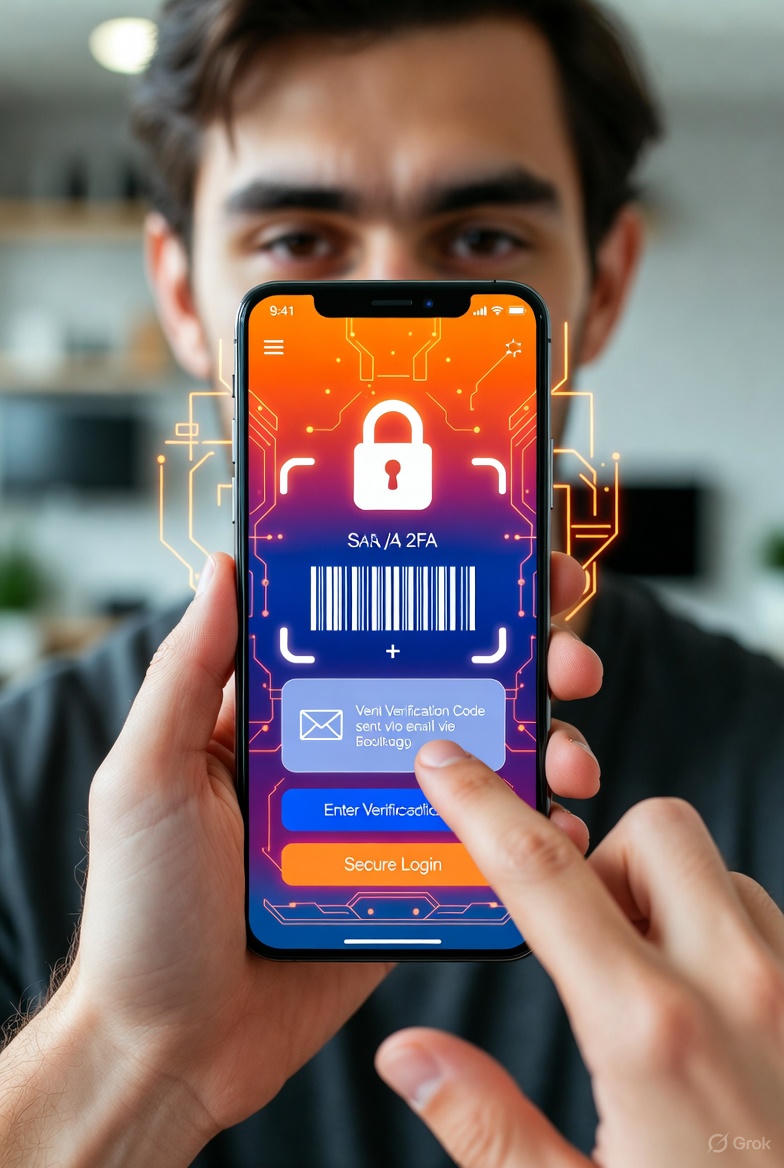
Two-factor authentication requires two forms of verification to log in: something you know (like your password) and something you have (like your phone or biometric data) Think of it as having two locks on your front door one traditional key and one smart fingerprint scanner It makes it incredibly hard for hackers because they'd need both your password and physical access to your device.
In one of my projects for a financial app in Saudi Arabia, we added 2FA after users reported rising concerns about fraud The result? A massive drop in unauthorized access attempts. But some users got annoyed with the extra step That's when I realized the real skill lies in implementation balancing ironclad security with seamless user experience.
The Pros and Cons: Protect Without Alienating
The benefits are clear: 2FA dramatically reduces breach risks. In collaborations with teams in the UAE, we've seen apps without it face up to 80% more attack attempts The downside? It adds time to login, and if a user loses their phone or has no signal, they feel locked out and frustrated.
If you're a UI UX designer for startups or offering mobile app prototype design in Figma, always consider your audience In e commerce apps, for example, an extra step can lead to abandoned carts and lost sales.
Types of 2FA: Choose What Fits Your Users Best
There are several ways to implement 2FA, each suited to different contexts SMS codes are common but unreliable in areas with poor coverage. Email works as a backup, while authenticator apps like Google Authenticator generate time based codes offline.
In a freelance project for a health app in Saudi Arabia, we leaned on biometrics fingerprint or face recognition as the second factor. It made logins lightning-fast and secure, especially for older users who hate typing codes For ultra high security, hardware keys like YubiKey are unbeatable.
Smart Approaches in 2026: Keep Everyone Happy
By 2026, smarter technologies are making 2FA feel almost invisible Passkeys, powered by biometrics and AI, are gaining traction, while contextual authentication assesses risk if the device and location are familiar, it skips the extra step In my latest redesign, we allowed trusted devices to stay logged in for weeks, cutting complaints by 60% without compromising safety.
Watch Also :
Information Scent: How Great App Interface Design Draws Users In Like Bees to Nectar
What is UI/UX Design and Why is it Essential?
A Real Story: From Frustration to Delight
I once worked with a Dubai-based client suffering from data leaks. We overhauled the app with app redesign service, integrating 2FA via an authenticator app and a simple onboarding screen explaining the benefits in plain language: "We're keeping you safe without the hassle." Trust scores jumped 40%, and users started praising how effortless it felt.
If you're thinking, "I need to hire a designer to build my app," look for someone who understands that security doesn't have to mean complexity. We're in an era of intelligent protection, and as freelance web designers or Figma designers for mobile apps in Egypt, Saudi Arabia, or the UAE, we have the tools to make apps both bulletproof and enjoyable.
Experiment with these smart methods in your next project whether it's professional website design for businesses, mobile app design services, or working as the best UI UX designer for mobile apps Your users won't just be secure; they'll actually love the experience If you're ready to design my app UI UX or need an app design expert for SaaS, reaching out to a skilled freelance UI UX designer can transform your vision into reality Let's build something great.