Figma for App Redesign: 10 Reasons Every UI/UX Designer Will Say Goodbye to Other Tools!
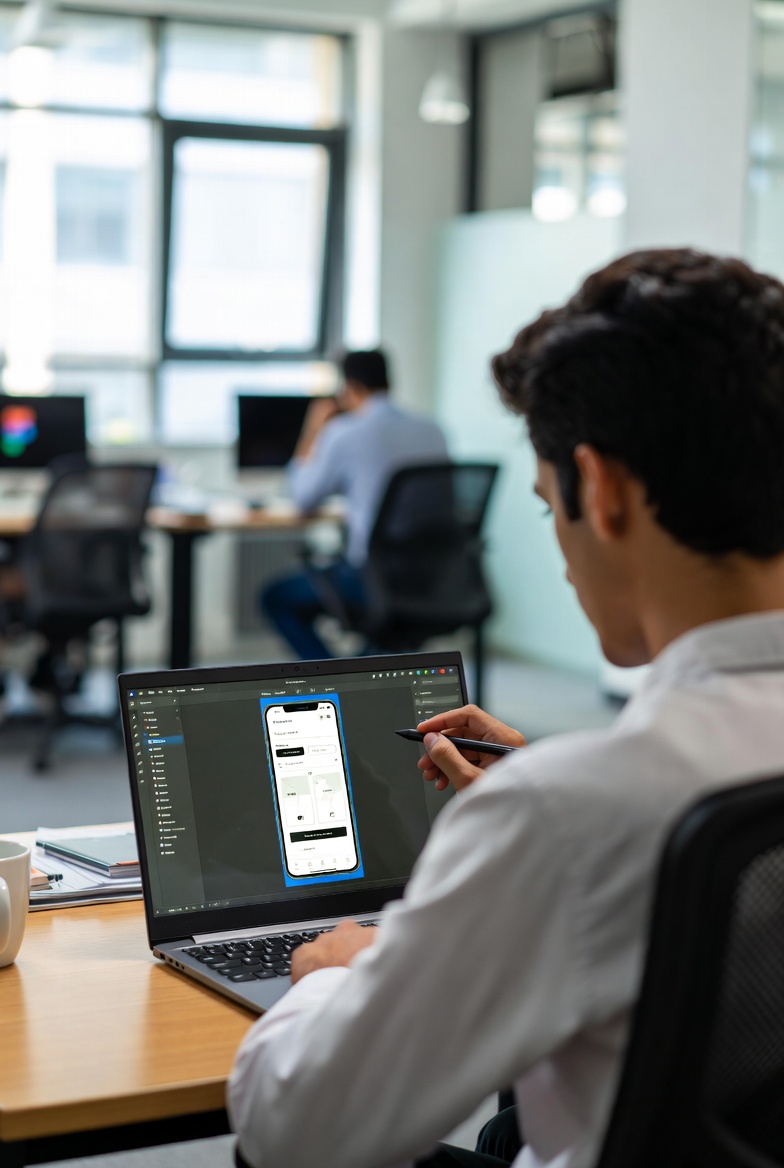
Imagine you're knee-deep in redesigning a mobile app revamping outdated screens, improving user flows, and making sure everything feels modern and intuitive Suddenly, your client drops a comment, the developer needs specs right now, and you're tweaking colors across dozens of frames. With Figma, all of this happens in real time, on the same canvas, without sending a single file or waiting for exports That's the magic that turned Figma into my go to tool.
I remember my first big app UI UX redesign project for a SaaS startup I was juggling Sketch files, endless version emails, and clunky prototypes. Then I switched to Figma mid-project, and everything changed The collaboration was seamless, the prototypes felt alive, and the client was blown away Since then, I've never looked back and neither will you after
these 10 game-changing reasons why Figma
is the ultimate choice for any Figma UI UX Designer tackling app redesign service or mobile app design services.
1. Real-Time Collaboration.. No More Version Chaos
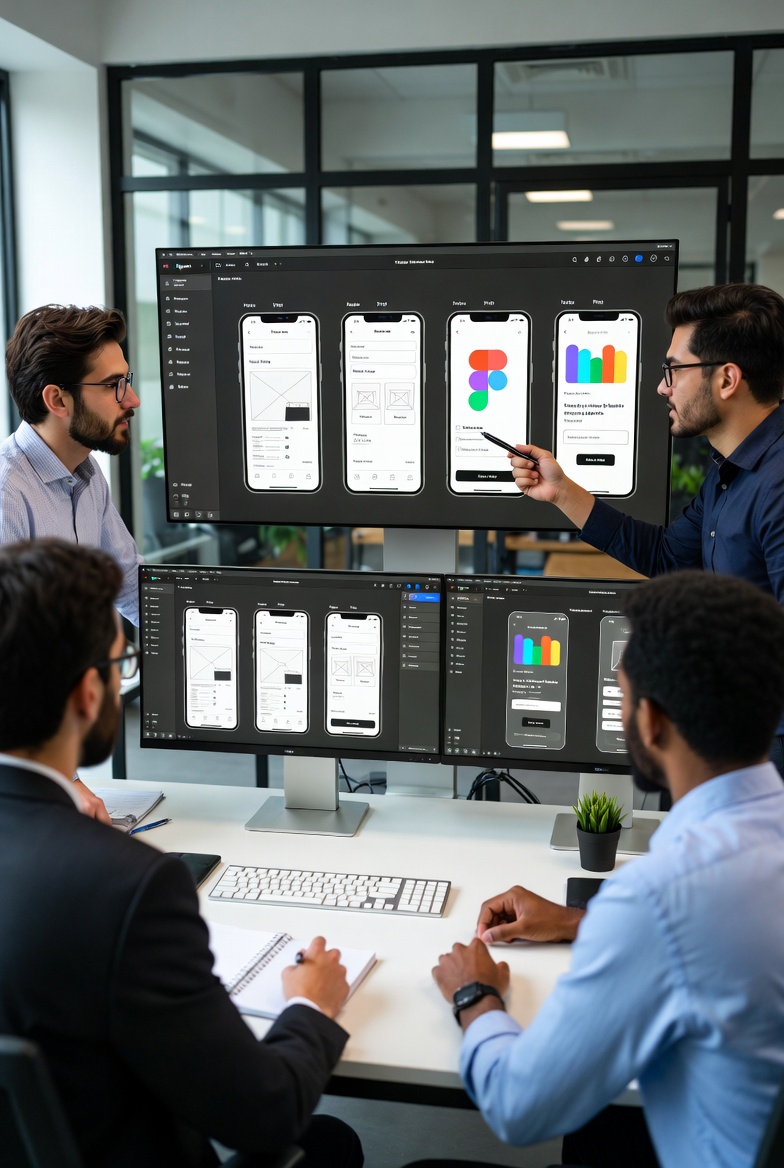
Figma is fully cloud-based, so multiple people designers, developers, product managers, even clients can jump into the same file simultaneously See live cursors, comment instantly, and watch changes happen in real time.
In one project, a client in Dubai requested major tweaks to design my app UI UX at midnight I made the updates while they watched, approved on the spot, and we moved forward without delays Try doing that in a desktop only tool!
2. Advanced Prototyping That Feels Like the Real App
Figma's prototyping is powerful: Smart Animate, smooth transitions, micro-interactions, overlays, and conditional logic—all built-in, no extra plugins needed.
For a recent app redesign service, I built a high-fidelity prototype in just a few days The client tested it and said, “This isn't a mockup it's the app already!” That sold them on the project faster than any static screens ever could.
3. Components & Variables.. One Change, Everywhere Updated
Update a color in Variables, and every button, card, or text using it updates instantly Same for typography, spacing, shadows perfect for maintaining consistency in large scale mobile app prototype design.
On a major SaaS redesign, the brand decided to refresh all colors With Figma's Variables, we finished in under an hour instead of days of manual fixes.
4. Auto Layout & Constraints.. True Responsive Design Made Simple
Auto Layout lets you build flexible, responsive components that adapt to different screen sizes automatically No more duplicating frames for mobile vs. tablet.
Ideal for mobile app design services where you need pixel perfect experiences across devices without extra work.
5. Massive Plugin Ecosystem.. Supercharge Your Workflow
Figma's plugin library is endless: Unsplash for instant high-quality images, Content Reel for realistic placeholders, Autoflow for auto generated user flows, Figmotion for advanced animations, and AI powered ones like UX Pilot that generate full screens from text prompts.
I rely on Beautiful Shadows and Iconify daily they save hours and make designs look pro instantly.
6. Dev Mode Handover That Developers Actually Love
Dev Mode gives developers everything they need: measurements, color codes, typography specs, and ready-to-copy snippets (CSS, SwiftUI, Flutter, React) No more back and forth emails or screenshots.
7. FigJam Built-In.. Ideation & Flows in One Place
Brainstorm user journeys, create mind maps, and diagram flows right inside Figma with FigJam Everything stays connected no switching apps.
8. Blazing Speed & Performance on Massive Projects
Figma handles huge files with thousands of frames and complex design systems without lagging Compare that to older tools that slow down or crash on big redesigns.
9. Generous Free Plan.. Perfect for Freelancers & Startups
Unlimited files, full collaboration, advanced prototyping all free Paid plans unlock team features, but most freelance UI UX designers and ui ux designer for startups thrive on the free tier.
10. The Industry Standard.. Clients Expect Figma Files
Major companies (Google, Microsoft, Airbnb, Uber) use Figma If you're a hire UI UX designer, freelance web designer, or best UI UX designer for mobile apps, clients now specifically ask for Figma designer for mobile apps. It's the default for product designer for apps and professional website design for businesses.
Bottom line: Figma isn't just another design tool it's a complete ecosystem that makes app redesign service, hire a designer to build my app, or creating stunning mobile app prototype design faster, more collaborative, and way more enjoyable.
If you're still using outdated tools for website design services or app UI UX redesign, give Figma a try today You'll wonder how you ever designed without it and you'll never go back.