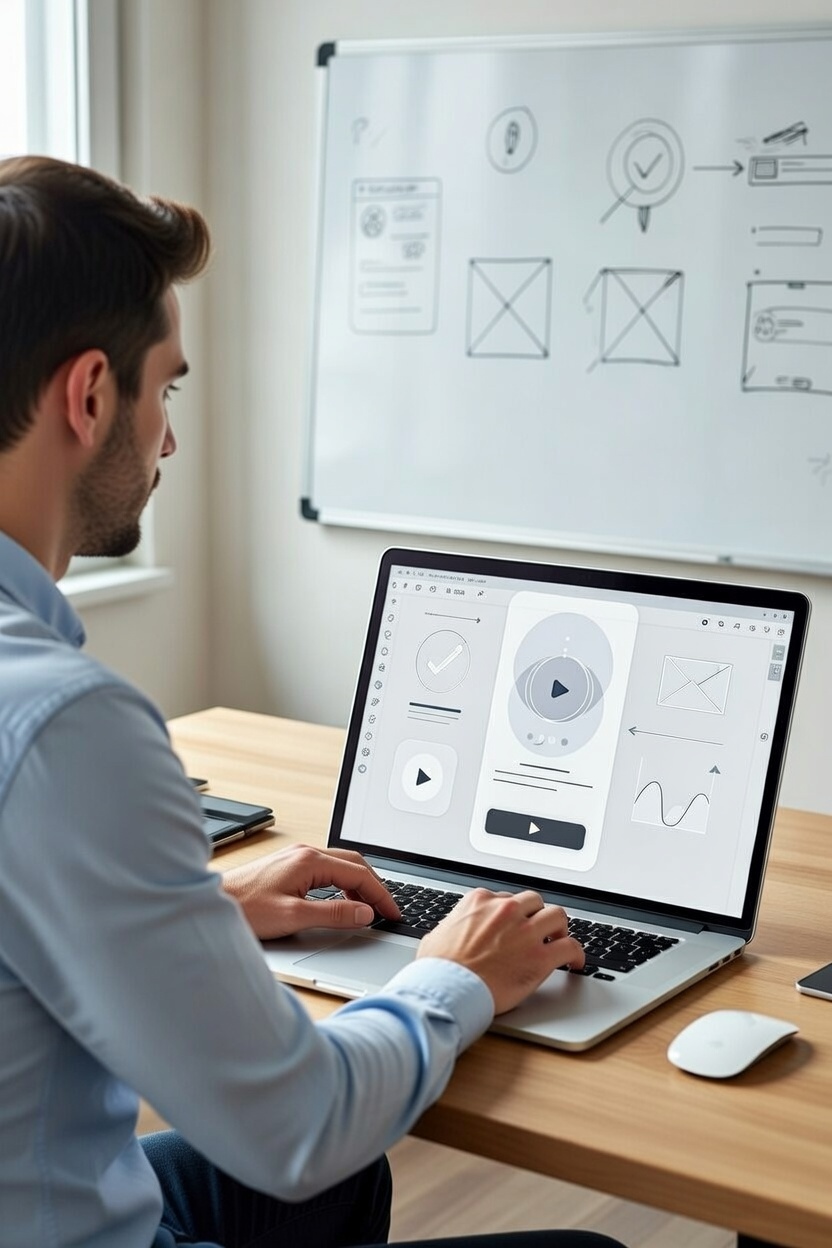
From Zero to Professional: Golden Tips for Beginners in Mobile App Prototyping
If you're just starting out in the world of design، especially if you're searching for a UI UX designer, thinking about mobile app design services, or even wondering "how do I hire a designer to build my app" you're in the right place I remember my first attempt at creating a prototype for a mobile app I was excited but quickly got lost in the details, ending up with an overly complicated design that didn’t help me test the core idea. Today, after years working as a freelance UI UX designer on projects across different markets, I’ve learned that the real secret lies in simplicity and focusing on what truly matters In this article, I’ll share practical tips inspired by experts at the Nielsen Norman Group to help you avoid common pitfalls and get started confidently Let’s dive in.
Start Simple with Paper Prototypes
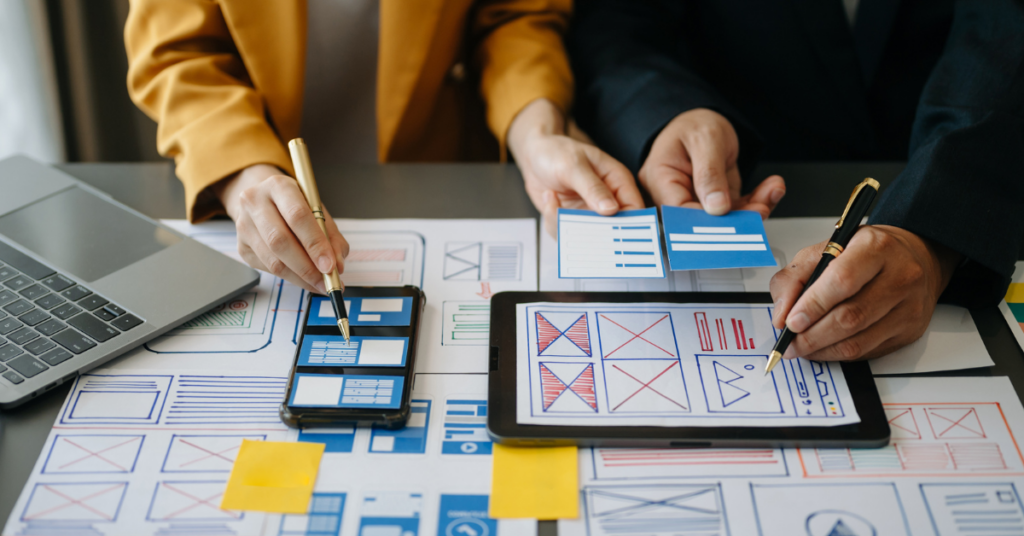
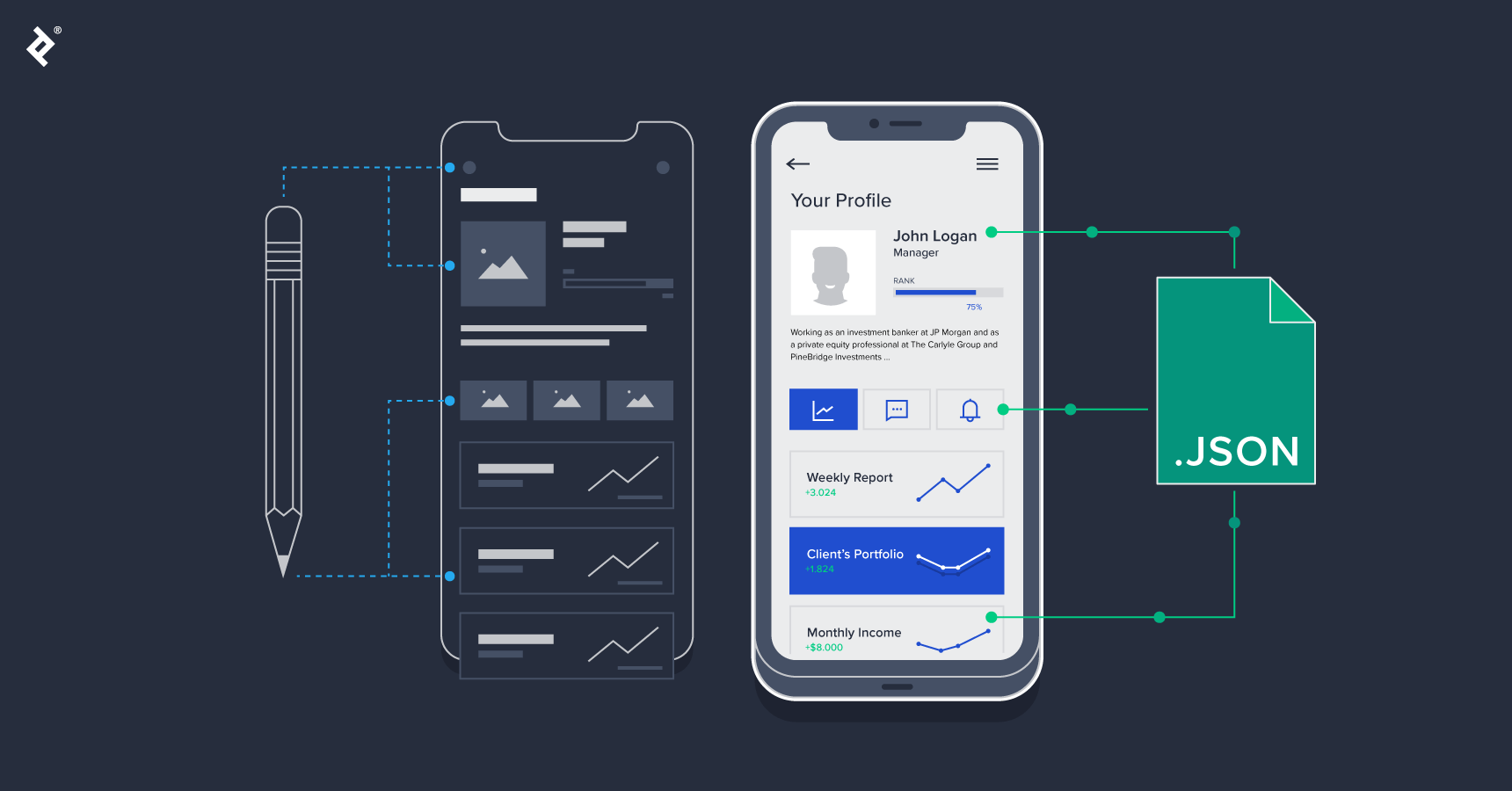
Imagine you want to hire a designer to build my app, but first you need to validate the concept without spending hours on complex software. That’s where paper prototypes become a game changer Instead of jumping straight into digital tools, grab a pen and paper and sketch out the key screens In one of my early projects an app UI UX redesign for a client I used paper sketches to map out the user registration flow It was fast, and I could make changes instantly without worrying about undoing digital work، Let me explain it to you in a simple and straightforward way When I said in the article: "In one of my projects, I used this method to sketch the user registration flow, "What I mean by "user registration flow" (or in English: User Registration Flow or Sign-Up Flow) is the sequential steps that a new user goes through to create an account in the app For example :The user opens the app and taps on a button like: "Create Account" or "Sign Up."
They’re taken to a screen where they enter their email address or phone number.
Next comes a screen for entering and confirming the password.
There might be an additional screen for entering the username or other details (like age or nationality).
A verification screen where a code is sent to their email or phone for confirmation.
Finally, a welcome screen or the home page after successful registration.
All these screens are connected in a logical order, and that’s exactly what we sketch out in the prototype (prototyping) to make sure the experience is smooth and not overly complicated so the user doesn’t get lost or abandon the process halfway The idea is to draw this entire "flow" (from one screen to the next) either on paper or in a tool like Figma This lets you see the full path at a glance and spot potential issues early, such as unnecessary extra steps or unclear buttons.
Why Low-Fidelity First?
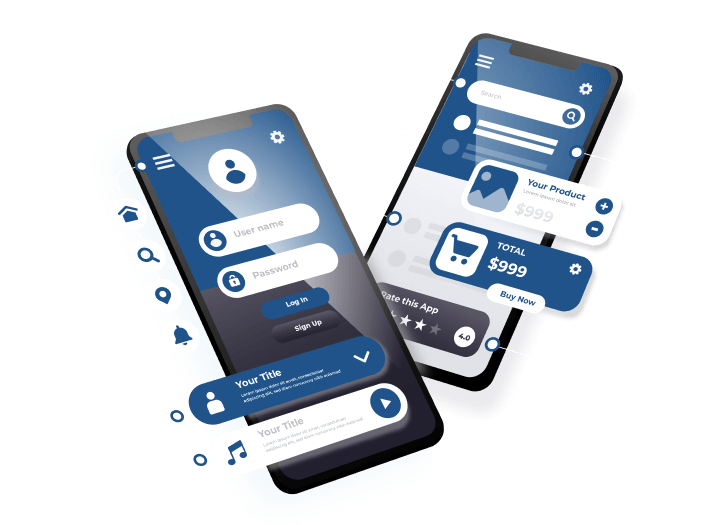
Paper prototypes give you complete creative freedom with zero constraints Try sketching a simple mobile app interface, like a login screen, then test it with a friend You’ll spot issues like a confusing button long before building anything digital This approach saves time, especially if you’re a freelance web designer juggling multiple projects or offering website design services.
A Real World Example
Think about the last food-delivery app you used If the team had started on paper, they might have avoided that cluttered checkout screen that adds unnecessary steps Give it a try yourself a quick sketch can completely shift the direction of your project.
Choose the Right Tool for Your Project
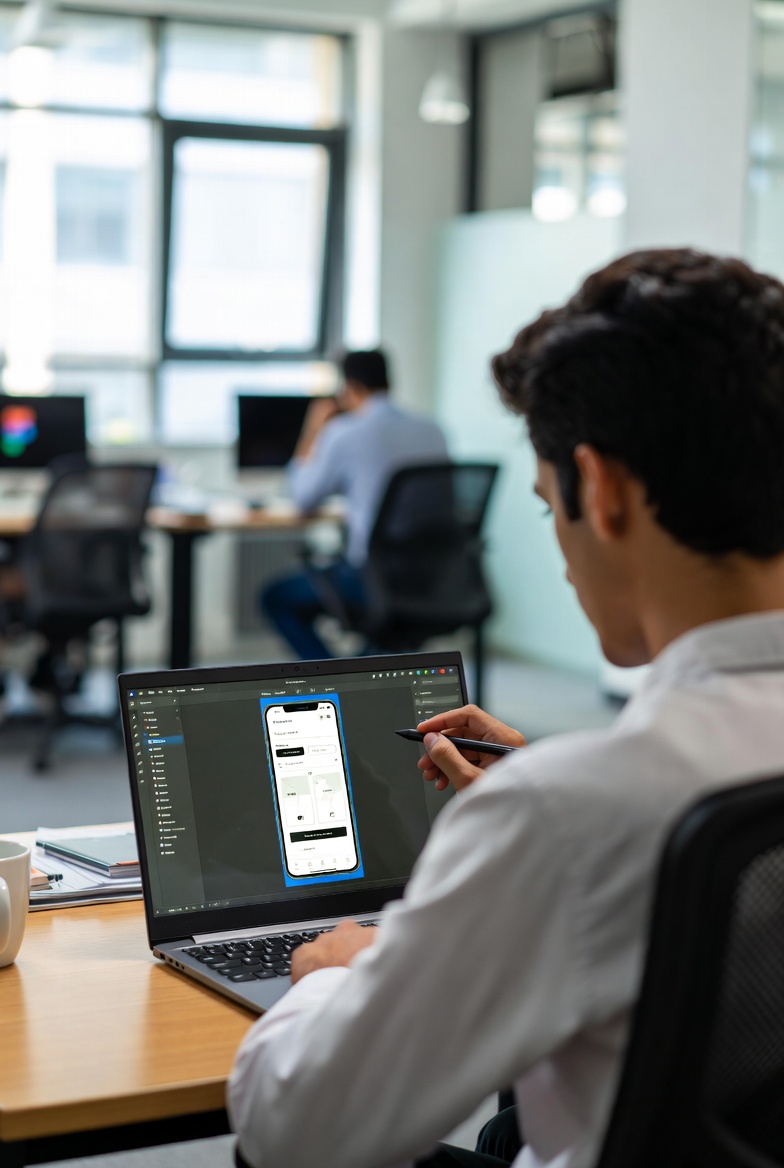
Once you’ve nailed the paper stage, it’s time to pick a prototyping tool Not every tool fits every project, something I learned the hard way while working as a Figma UI UX designer For mobile app prototype design, tools like Figma or Adobe XD stand out because they support real-time collaboration On an app redesign service project, I chose Figma because it’s beginner friendly and lets you share interactive prototypes instantly.
Key Factors to Consider
Think about your specific needs: Is the project large and team-based? Or small and needing speed? Factor in cost and features, like interaction support If you’re new to this, start with a free tool to avoid frustration.
A Personal Lesson from a Common Mistake
I once picked an overly advanced tool for a simple prototype and wasted hours just learning it. The takeaway? Test a few free options first. This makes you a more efficient product designer for apps or the best UI UX designer for mobile apps your clients keep coming back to.
Focus on “Just Enough” in Your Prototype
Don’t try to build the perfect, complete prototype right away that’s a trap many beginners fall into Follow the “just enough” principle: build only what’s needed to test your main idea In a mobile app design services project for a startup, I focused solely on the core purchase flow, which allowed me to gather feedback quickly without unnecessary effort.
How to Decide What’s Enough
Ask yourself: What’s the goal of this prototype? If it’s testing navigation, create just a few connected screens. Use shapes like “horizontal” for broad coverage or “T shaped” for depth in one area.
A Client Story
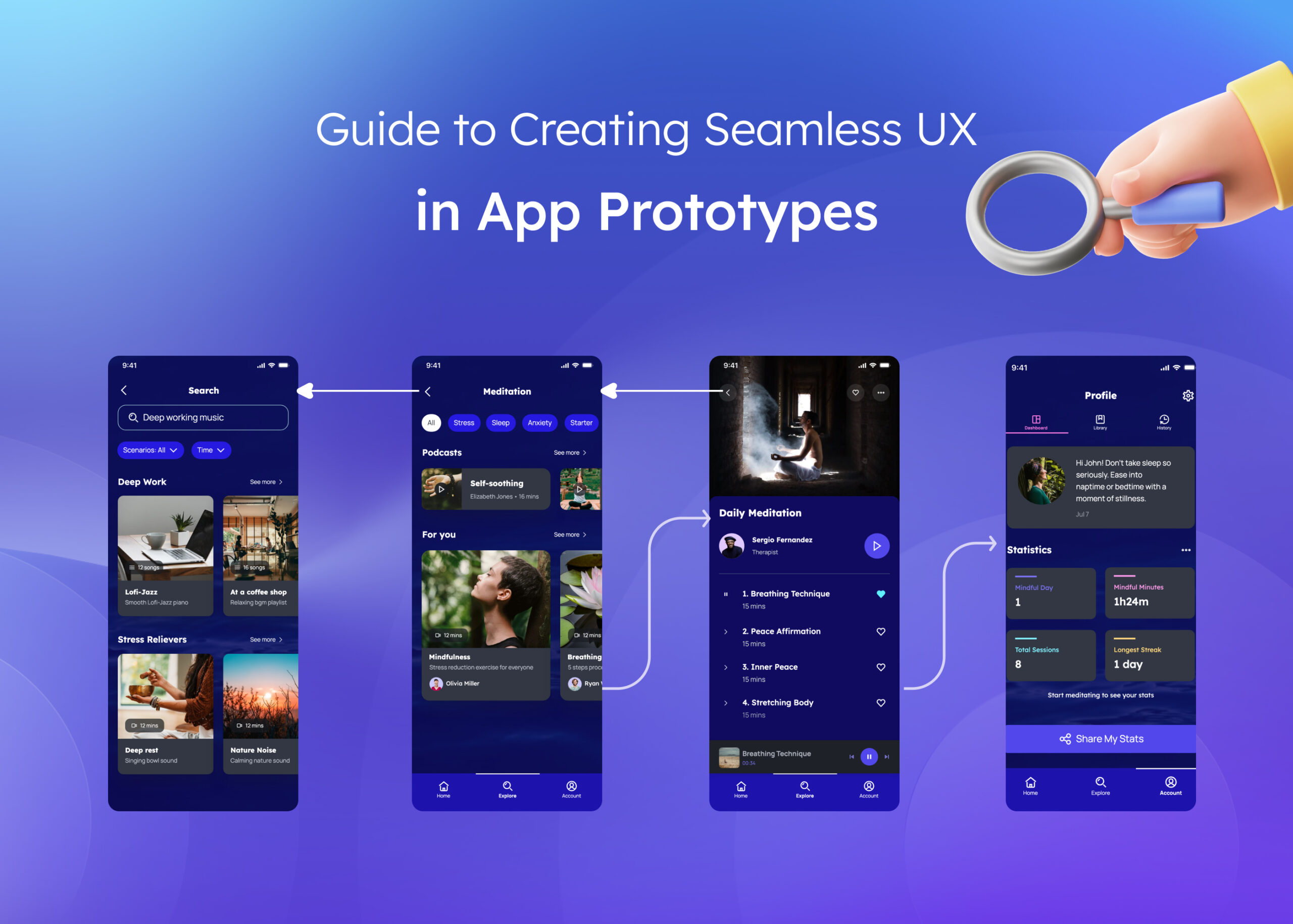
A client looking for a freelance UI UX designer wanted an app UI UX redesign I built a partial prototype focusing on the main features. The result? We caught a major issue with the primary button early, saving thousands in development costs.
Test Your Prototype with Real Users Early
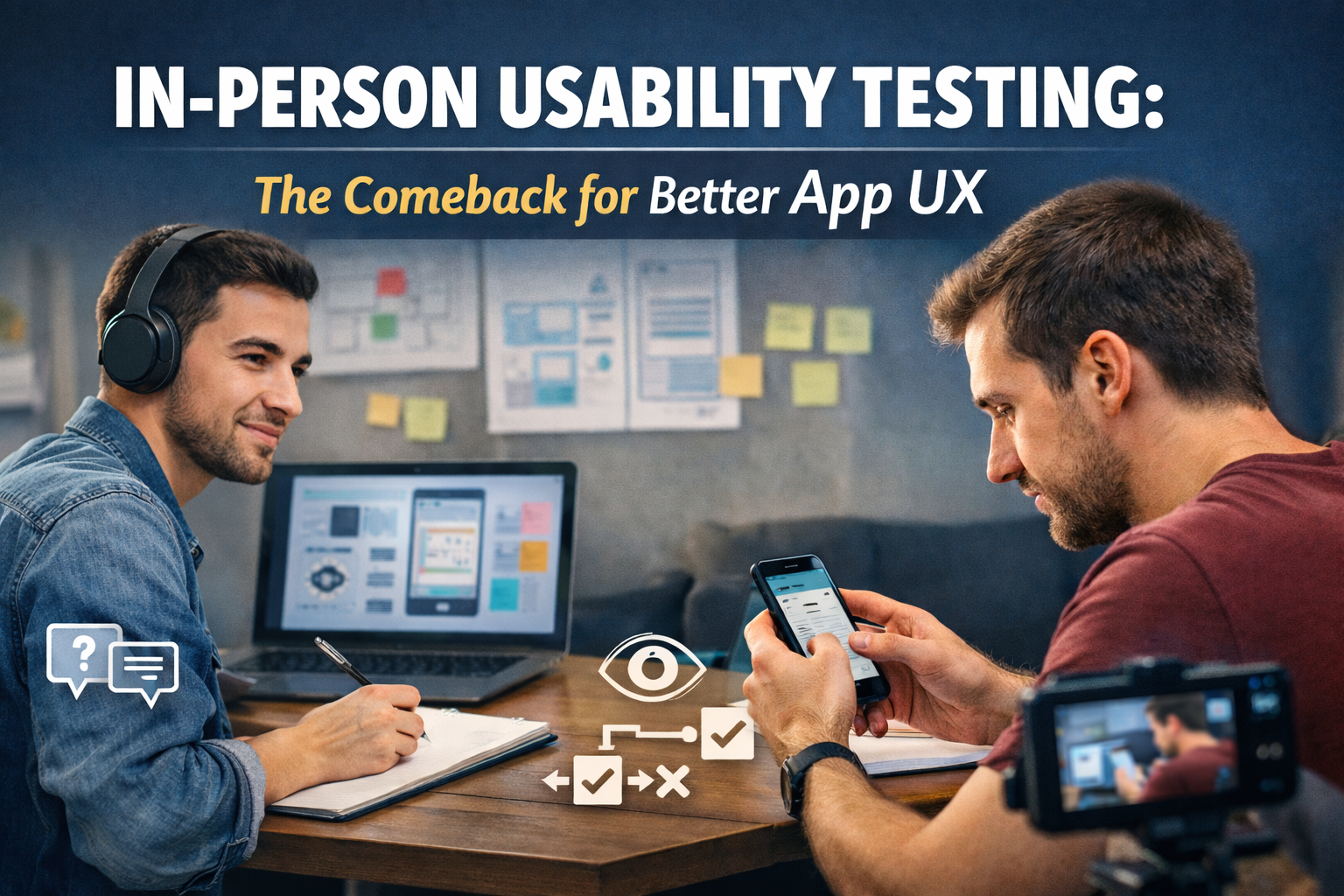
Testing is the heart of great design Don’t wait until the prototype is “finished” get it in front of real people as soon as possible As a UI UX designer for startups, I always run quick sessions with 5:10 users, even on paper prototypes, and the insights often transform the entire direction.
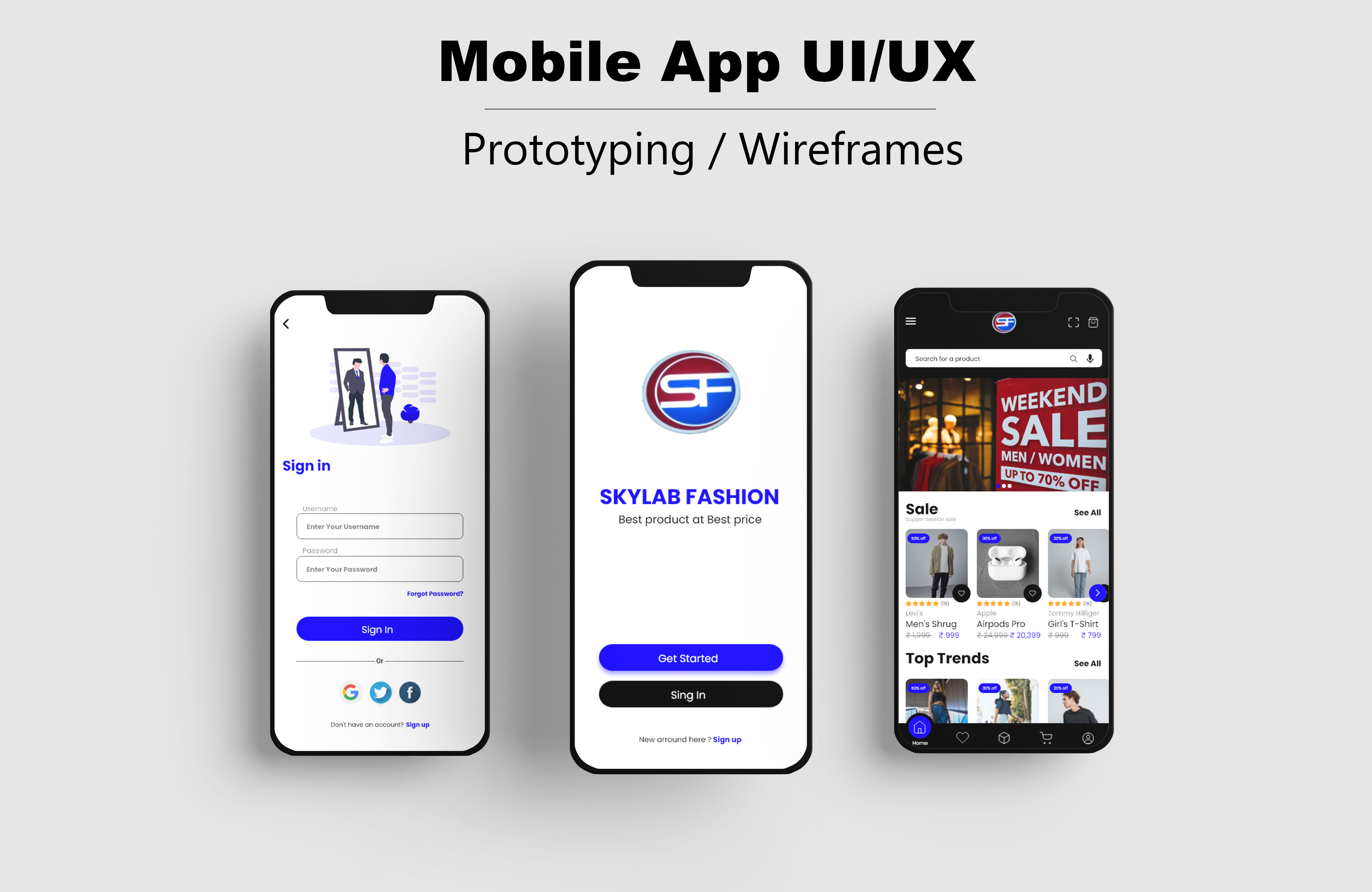
Steps for Effective Testing
Start with simple tasks like “find the product” and observe reactions quietly Record notes and iterate immediately This makes your mobile app prototype design far more intuitive and user-friendly.
Lesson from an Early Mistake
On one app redesign service project, I skipped early testing and ended up with an interface that felt unnatural to users Now I insist on early feedback sessions it’s made a huge difference in the quality of my work as an app design expert for SaaS and other platforms.
Iterate and Improve Based on Feedback
Finally, never stop at the first version Iteration is what separates good designers from great ones Build, test, refine repeat In a project as a Figma designer for mobile apps, I went through three rounds of prototypes based on user input, and the final version was spot on.
How to Iterate Effectively
Collect feedback, prioritize changes, then rebuild Use tools that support fast edits.
A Final Reflection
Looking to design my app UI UX or hire the best UI UX designer for mobile apps? Find someone who embraces iteration This approach has made my projects successful, whether offering professional website design for businesses or full mobile app design services Try these tips yourself you’ll see the difference in your designs right away.
Watch Also:
New tools for precise image editing in Figma software — a practical overview and
The World of App Design: How to Choose the Perfect Designer for Your Needs?